Ages 21 to 60
Installments are for customers in this age range, at a branch or in the app.
Installments
Who can apply, what you need and how it works, at a branch or in the app. The decision on your application sets the exact terms.
Before you apply
A quick check before you come to a branch or open the app.
Installments are for customers in this age range, at a branch or in the app.
You need a permanent registration in Tashkent city or in one of these districts of Tashkent region:
Tashkent region
Two ways to apply
Both are equal: choose whichever suits you.
At a branch
Come in, and a member of staff guides you from choosing a device to the contract.
To any of our branches.
Staff help you choose and explain the installment terms.
A member of staff does the application with you.
We review your application and give you the decision.
Then you take your new device with you.
In the app
From start to finish in the iSell app. You even sign the contract there.
Download the app and sign in with your phone number.
Through MyID, Uzbekistan's national identity service.
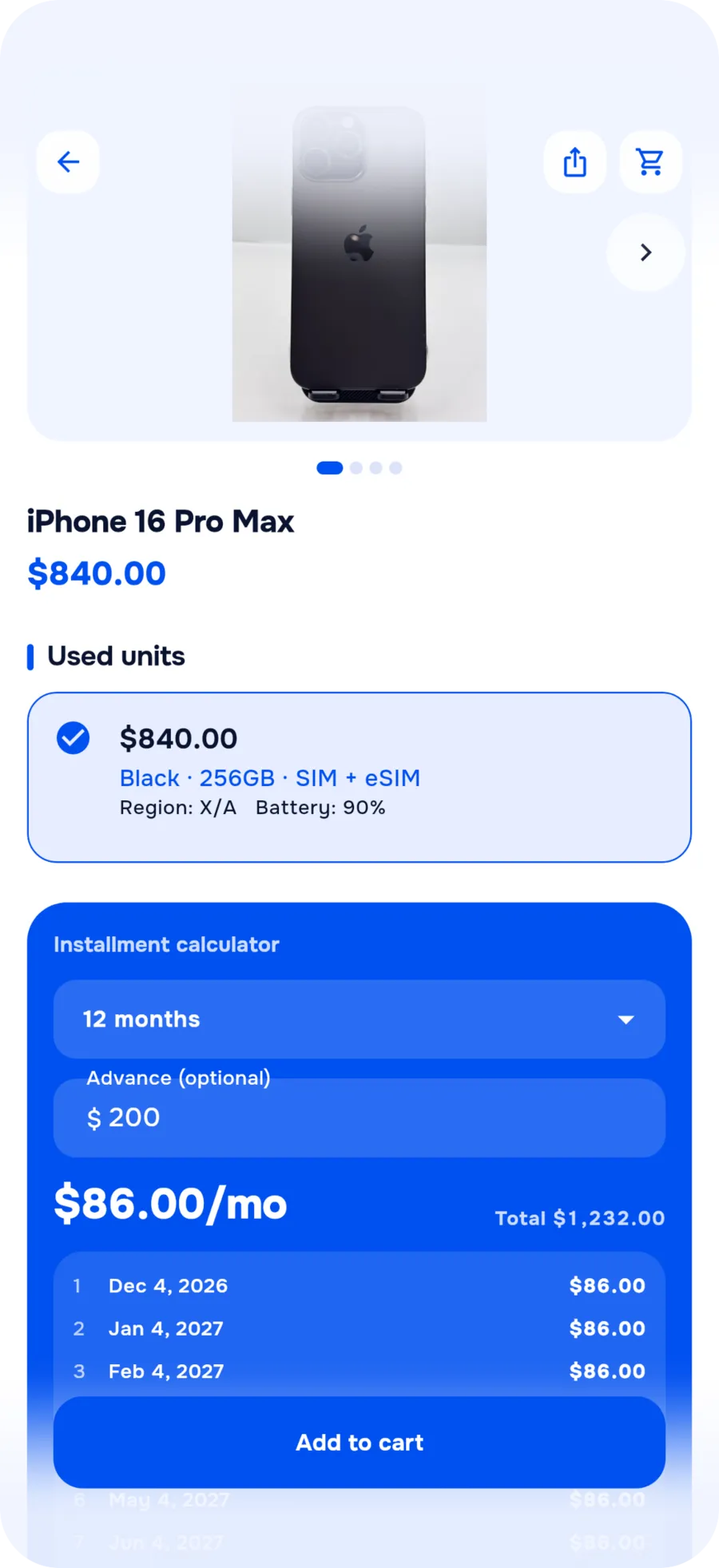
Pick a product and how to pay. You see an estimated monthly payment up front.
Send your installment application and get the decision in the app.
We deliver across Tashkent, or you collect your order at a branch.


KATM consent
Before your application is reviewed, you agree to iSell checking your credit history. Here's what that means.
Payments
How it works in general. The amounts depend on the device and on the decision on your application.
You pay the down payment up front, at the start.
The rest is split into monthly payments.
The decision on your application sets the terms, including the minimum down payment.
Staff at a branch or the calculator in the app show you an estimate before you apply.
You make the monthly payments in cash at any of our 3 branches, every day from 10:00 to 21:00.
FAQ
Didn't find your answer? Call us or message us on Telegram.
Yes. Come to any of our branches with your passport or ID card: staff help you choose a device, explain the installment terms and do the application with you.
It depends on the product, the term and the down payment. Staff at a branch or the calculator in the app show you an estimate, and the exact terms come with the decision on your application.
The decision on your application sets the terms, including the minimum down payment. You pay the down payment up front, and the rest is split into monthly payments. The value of an old smartphone you trade in can count toward it.
Bring your old smartphone to a branch. Its value counts toward the down payment on your new purchase, and if it's worth more, we pay you the difference.
Either way, you can buy in installments. Choose whichever suits you.
3 branches in Tashkent, open every day 10:00–21:00.
In Uzbek, Russian and English, for Android and iPhone.